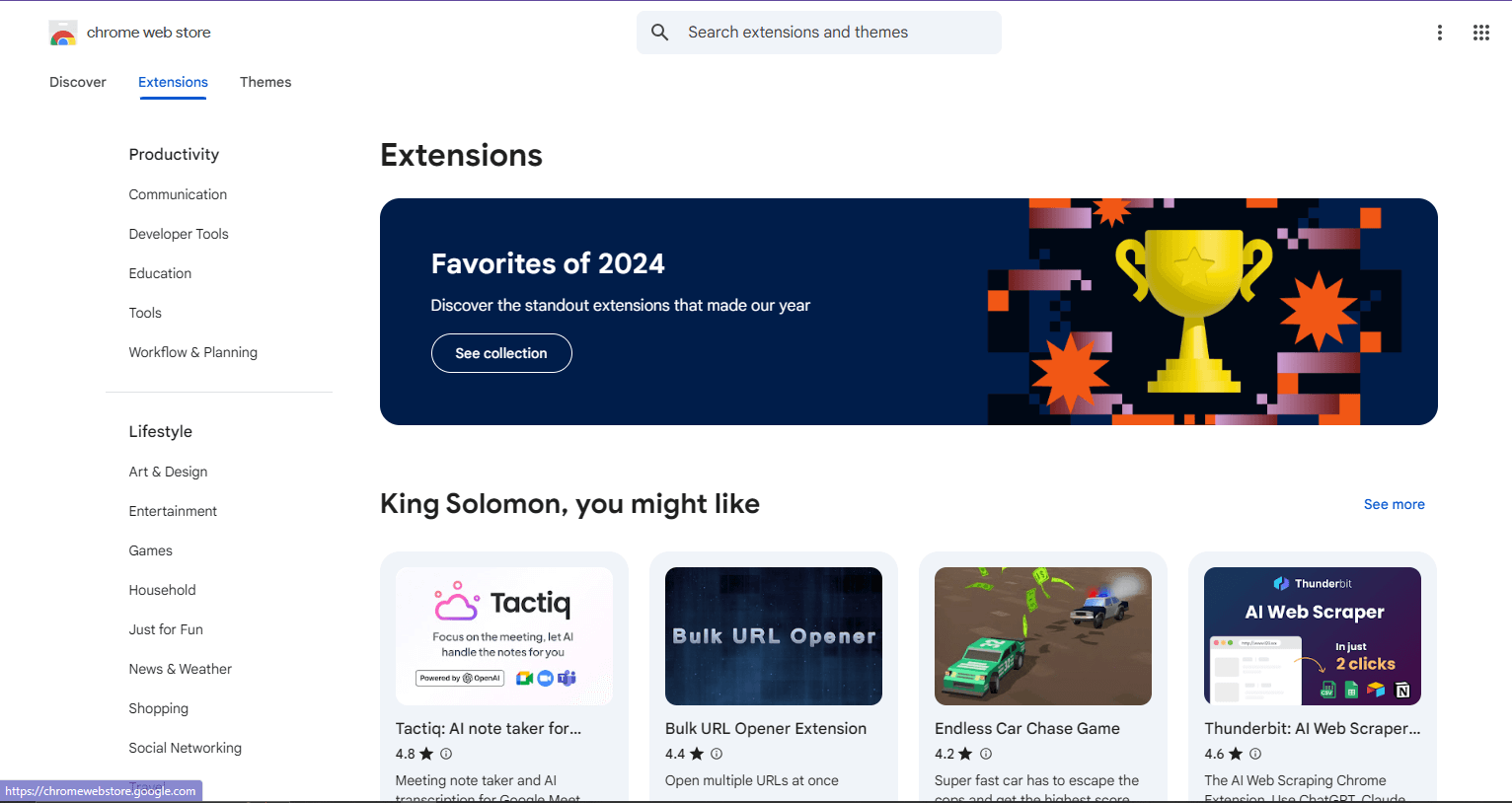
5 Chrome Extensions to Supercharge Your Productivity
If you’ve ever felt like your browser is just for opening tabs and checking social media, you’re sleeping on pure power. The truth is, **Google Chrome can be your productivity headquarters** — if you know the right extensions to use.
Chrome extensions are small add-ons that turn your browser into a toolkit — they can take screenshots, block distractions, generate content, and even help you learn faster. Let’s check out 5 extensions that can quietly level up your daily life.
1. Momentum — Turn Every New Tab Into Motivation
Ever open a new tab and instantly lose focus? Momentum replaces that boring blank screen with something inspiring — a daily quote, a to-do list, and a calming background photo. It feels like a little mental reset every time you open Chrome.
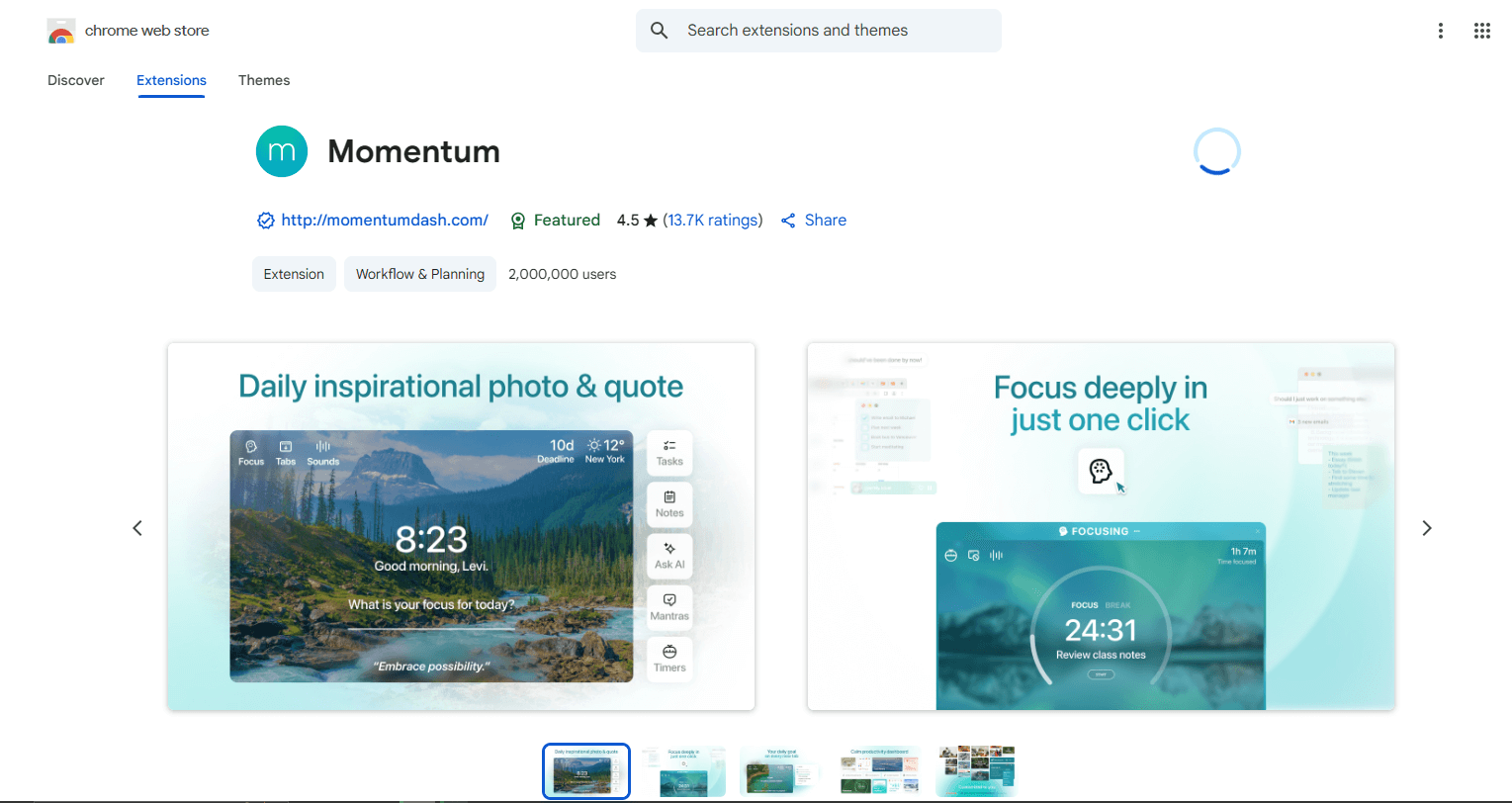
You can add your daily goals right there, and Momentum reminds you subtly throughout the day. For students, freelancers, or anyone trying to stay consistent, this is a **gentle focus hack** that works.
“Your vibe attracts your focus — Momentum keeps it aligned.”
2. Grammarly — Your Writing Guardian Angel
Whether you’re typing a school essay, a tweet, or an email, Grammarly is that quiet friend who checks your back. It corrects grammar, tone, and even writing style in real-time. The extension works anywhere — from Google Docs to Facebook comments.
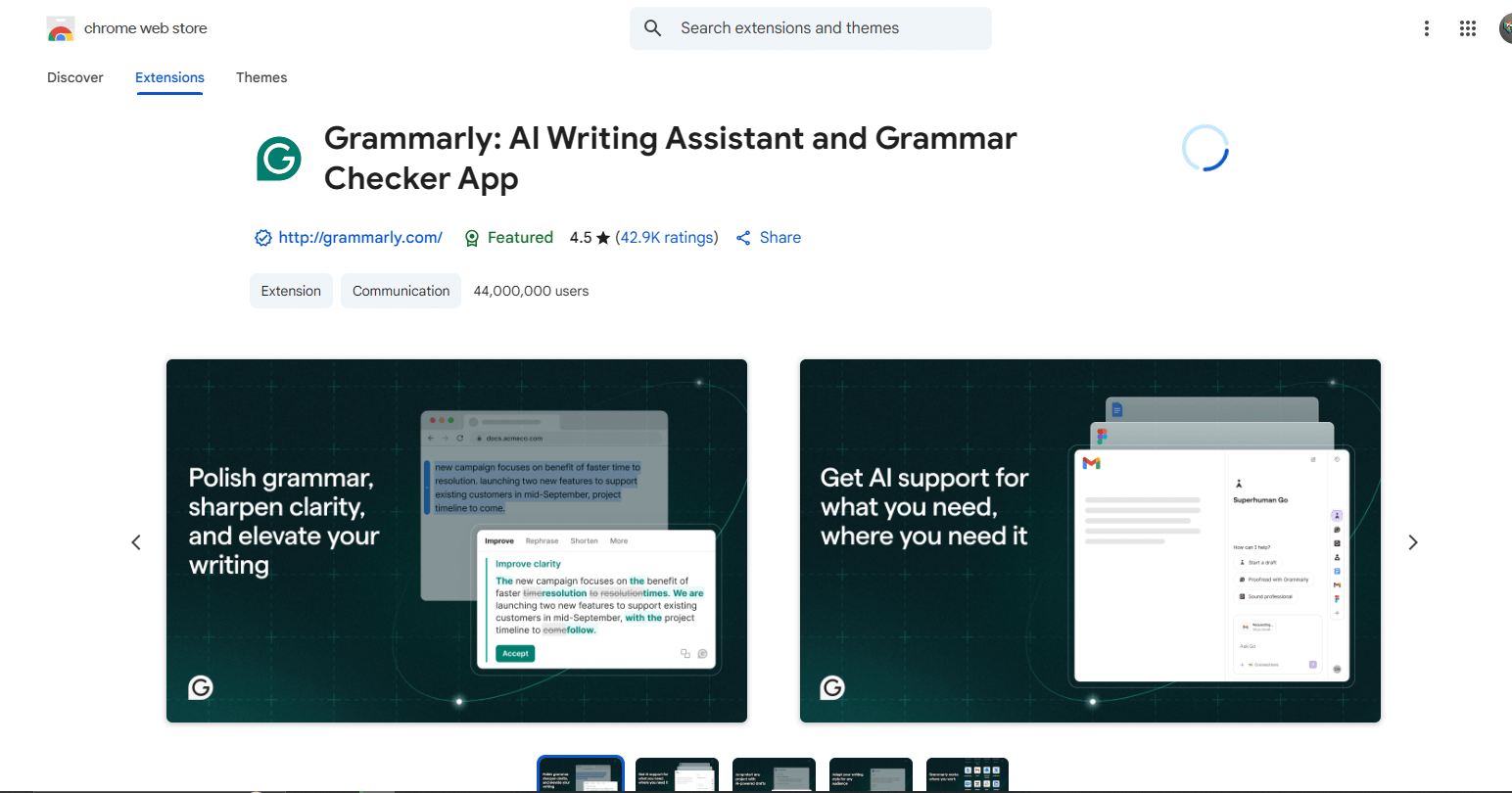
Think of it as a personal editor that never sleeps. Even if English isn’t your first language, Grammarly helps you sound clean and confident without overdoing it.
3. Save to Notion — Capture Ideas in One Click
We all find random ideas online — quotes, images, tutorials — and swear we’ll come back later. But let’s be real: we never do. That’s where **Save to Notion** comes in. With one click, it drops the page, note, or image directly into your Notion workspace.
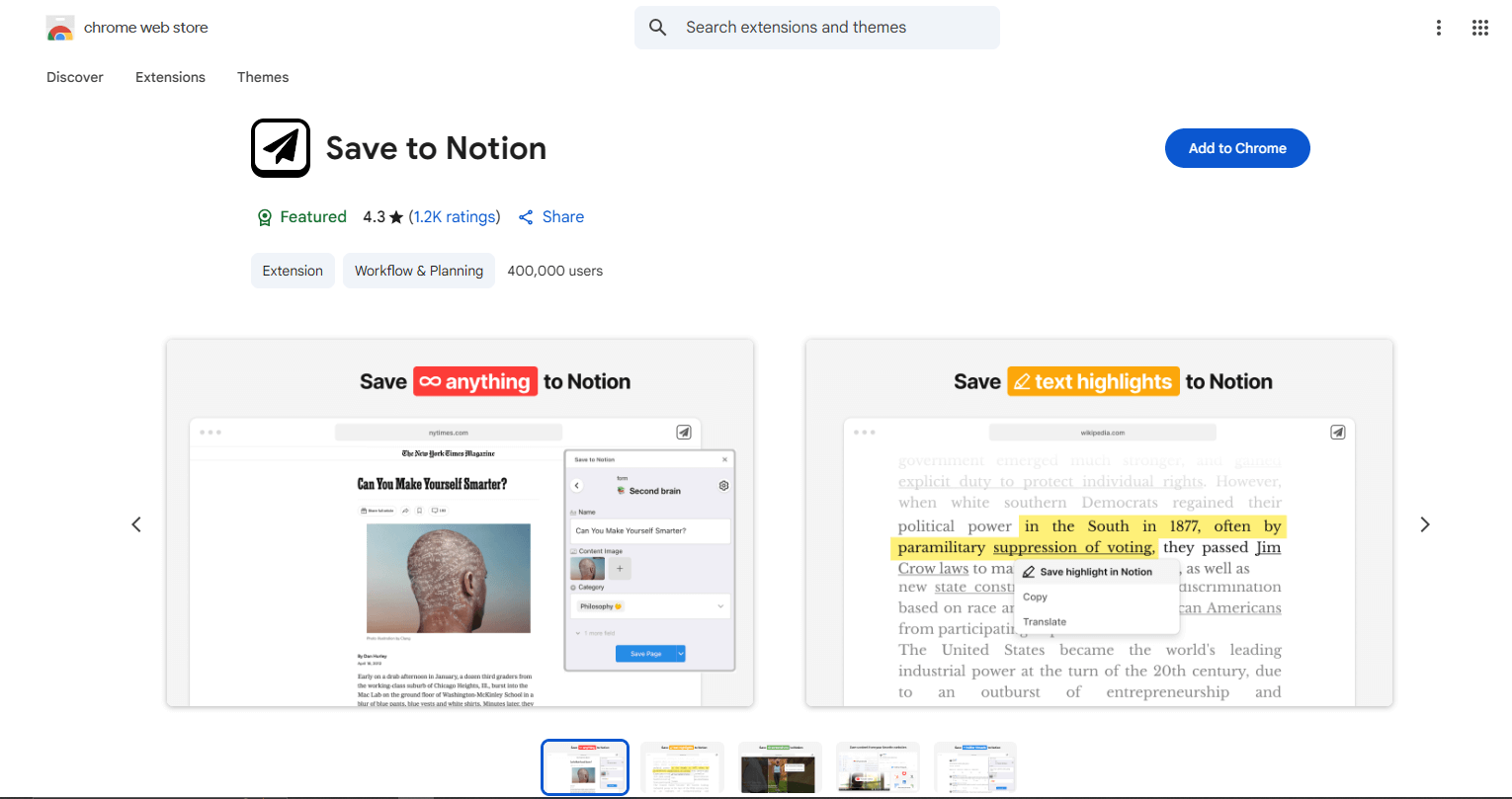
Perfect for bloggers, creators, and students collecting research. Instead of having 40 open tabs, you’ll have everything saved neatly in Notion.
4. uBlock Origin — Silence the Noise
The internet is full of distractions — flashy ads, autoplay videos, and random pop-ups. **uBlock Origin** blocks all of them silently. It makes your web experience cleaner, faster, and 10x calmer.
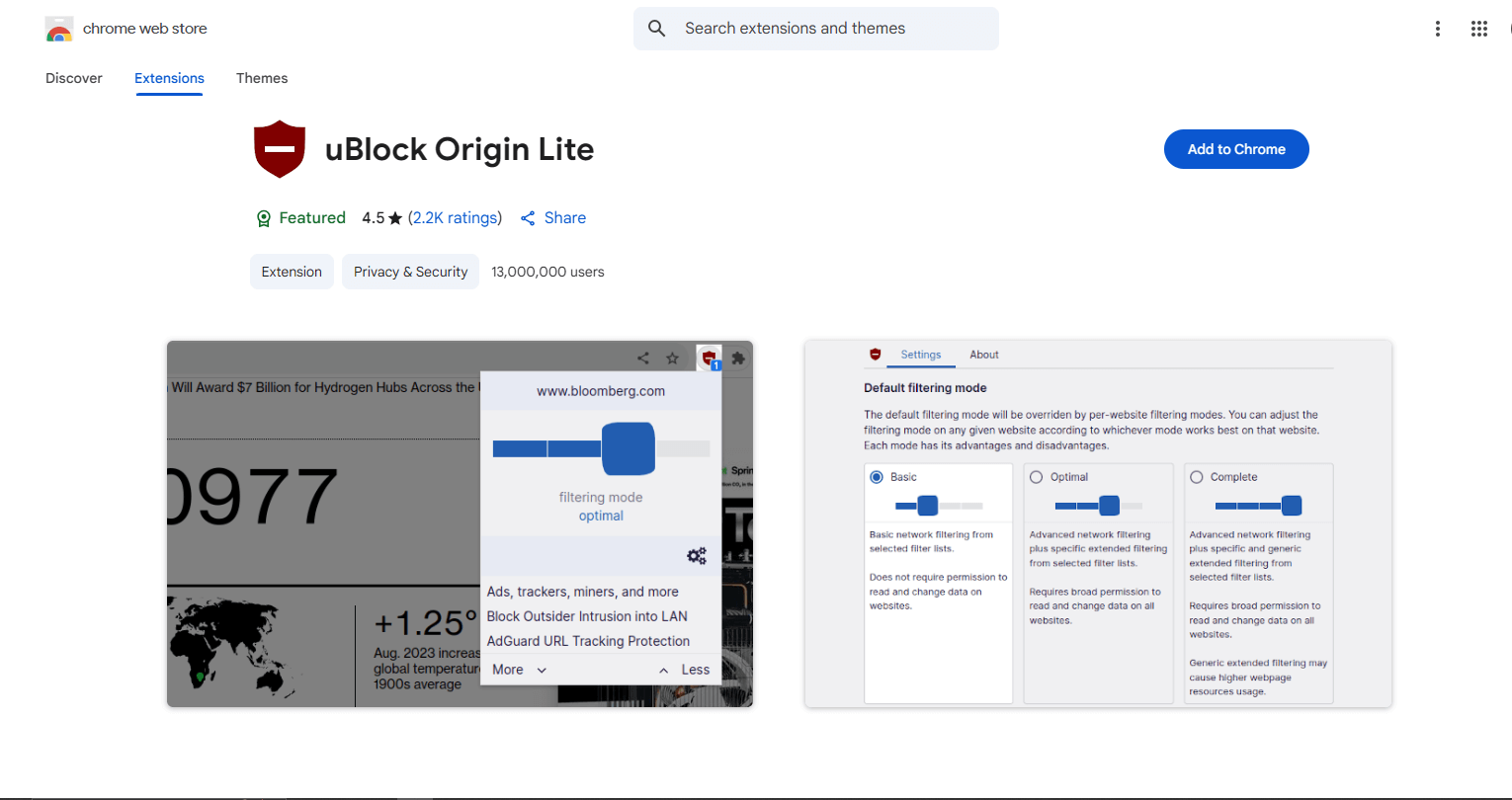
Bonus: it saves data and battery on laptops. You’ll be surprised how peaceful browsing feels once the chaos is gone.
5. ChatGPT for Chrome — Smart Answers Instantly
Imagine highlighting any text and getting an instant summary or explanation beside it. That’s what **ChatGPT for Chrome** does. You don’t even need to open a new tab. Whether you’re studying, writing, or exploring, it’s like having an AI assistant built into your browser.
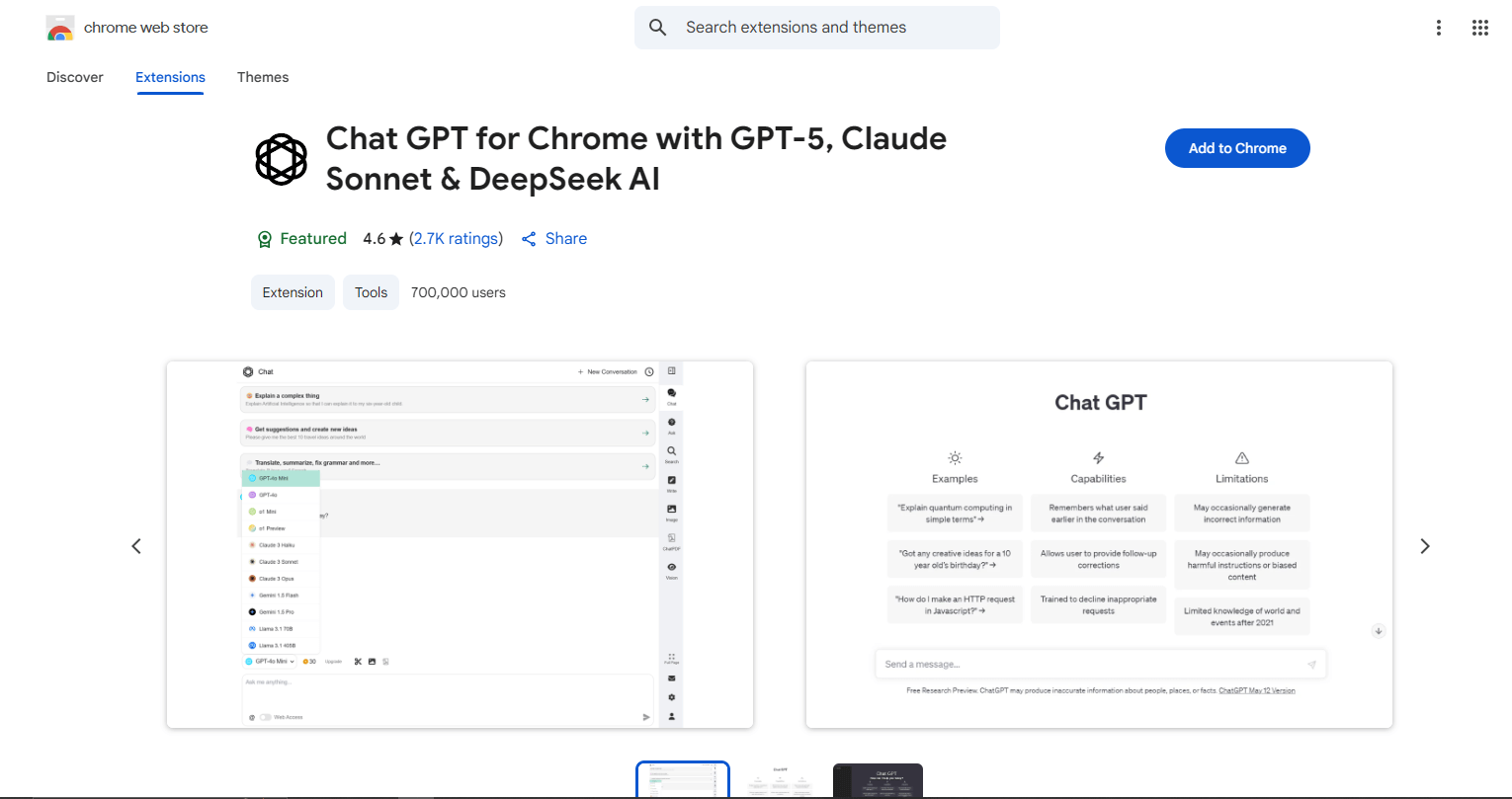
You can use it to brainstorm, rewrite emails, or explain confusing terms while staying on the same page. It’s pure power in one click.
How to Manage Your Extensions
While extensions are powerful, having too many active at once can slow down your browser. To manage them, type
chrome://extensions into your address bar. From here, you can disable any extensions you aren't using regularly.
It's good practice to review this list every few months to keep Chrome running smoothly.
✨ The Bigger Picture
The point of these tools isn’t just to feel fancy — it’s to make your daily work feel smoother. When small tasks get easier, your brain stays free for the things that actually matter. This is a key step in avoiding the habits that destroy your focus. So instead of forcing focus, let these extensions handle the friction. For even more ways to level up your browser, check out our guide on 10 hidden Chrome tricks.
Remember: productivity isn’t about doing more — it’s about removing what slows you down. Chrome can do that if you let it. Try one or two of these and watch how your vibe changes.
Join the Conversation